How can I set up my company details?
Go to Settings → Company Details.
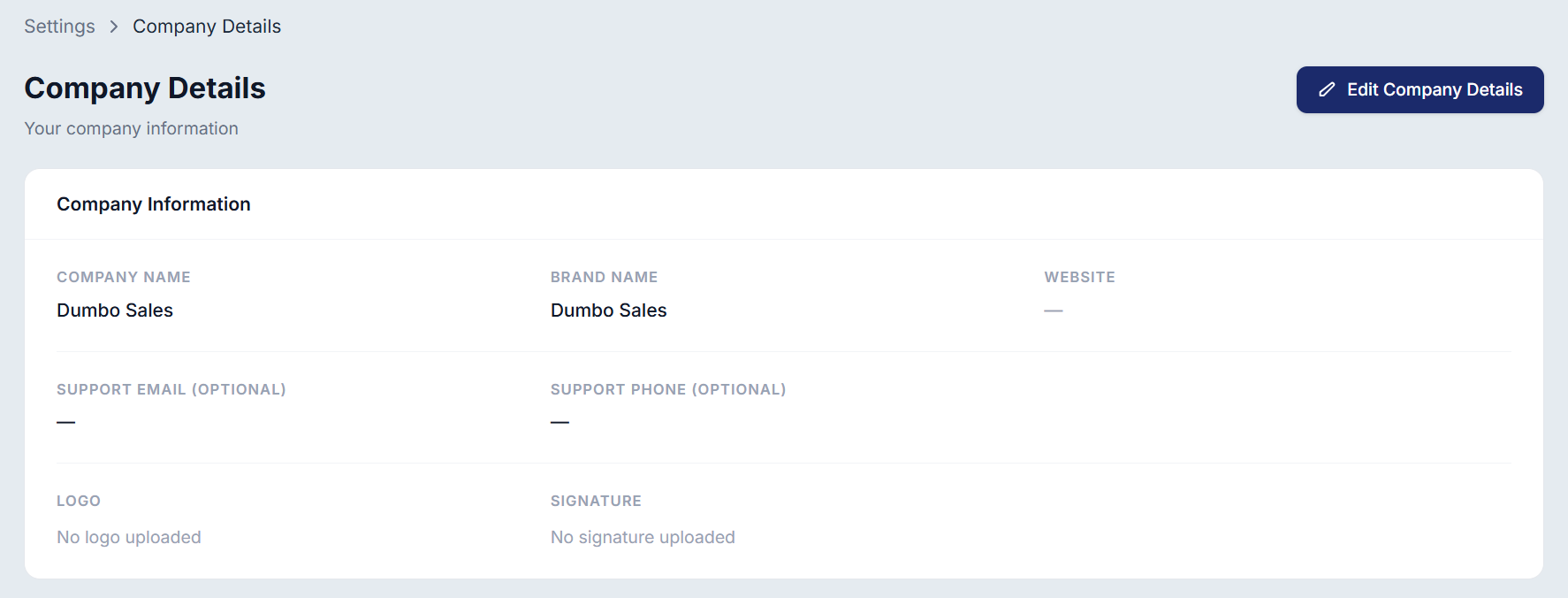
Enter your business details.
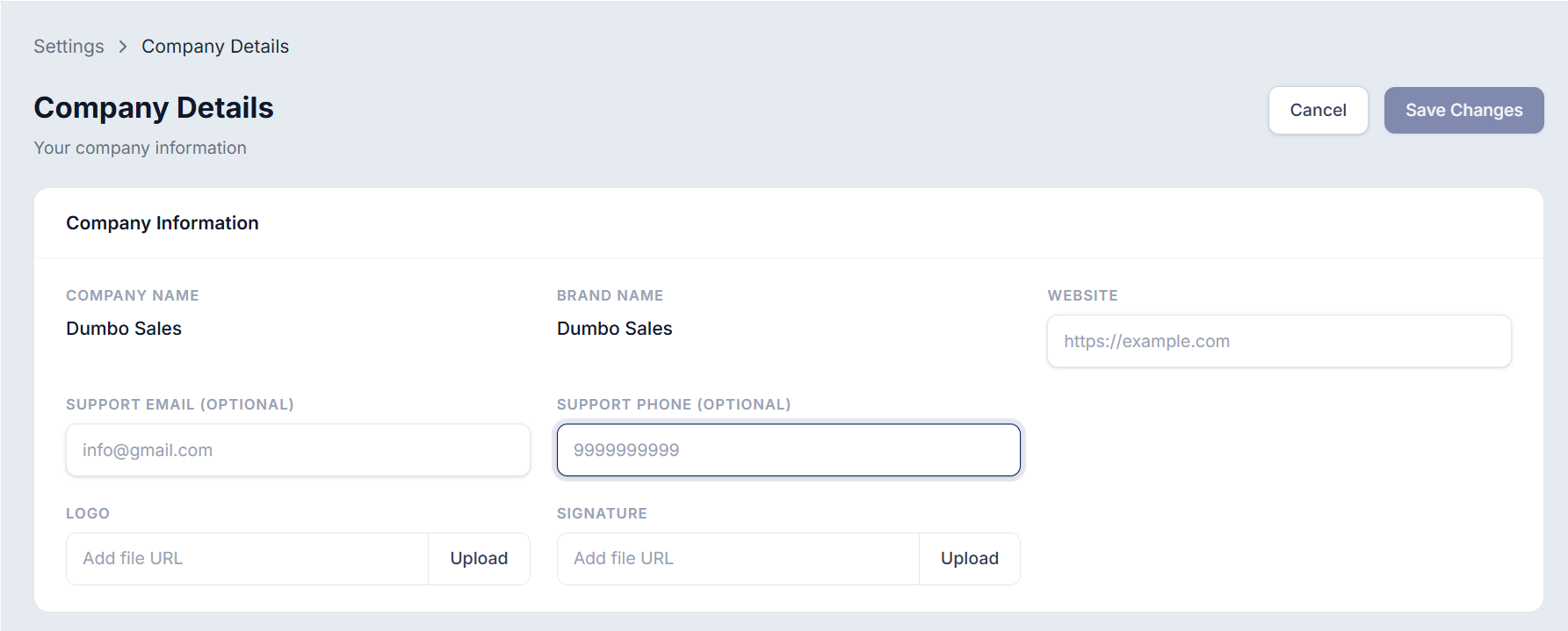
Upload your logo and signature, if required. You can choose to display the logo on your labels and invoices by configuring the settings.
Invoice sample:
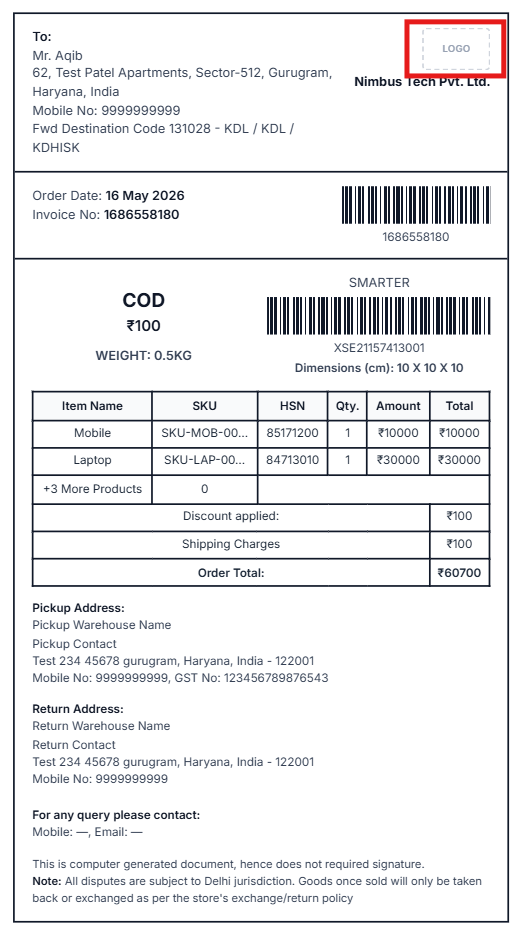
Label sample: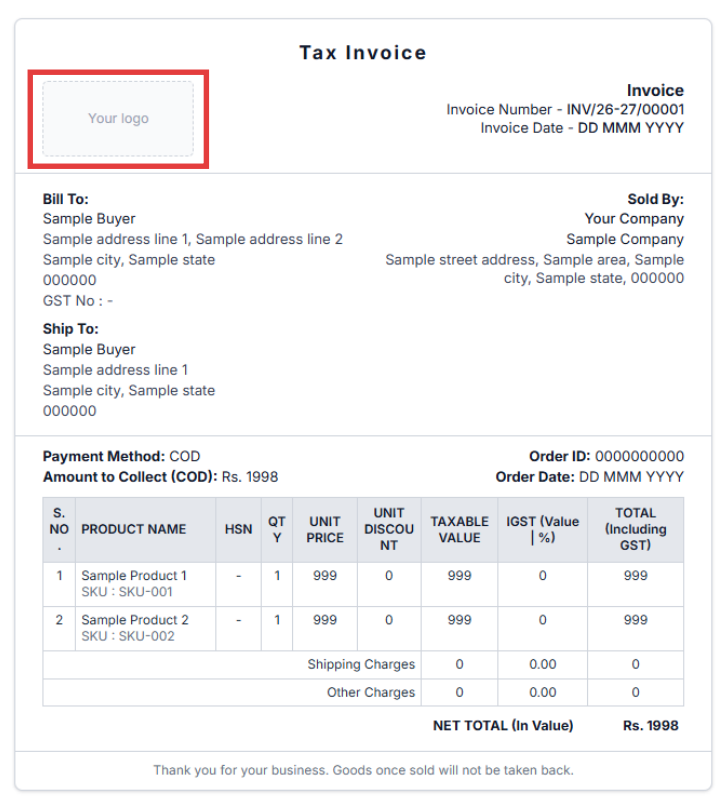
4. Save the changes to complete your company profile.
Was this article helpful?
That’s Great!
Thank you for your feedback
Sorry! We couldn't be helpful
Thank you for your feedback
Feedback sent
We appreciate your effort and will try to fix the article