How to add a manual channel?
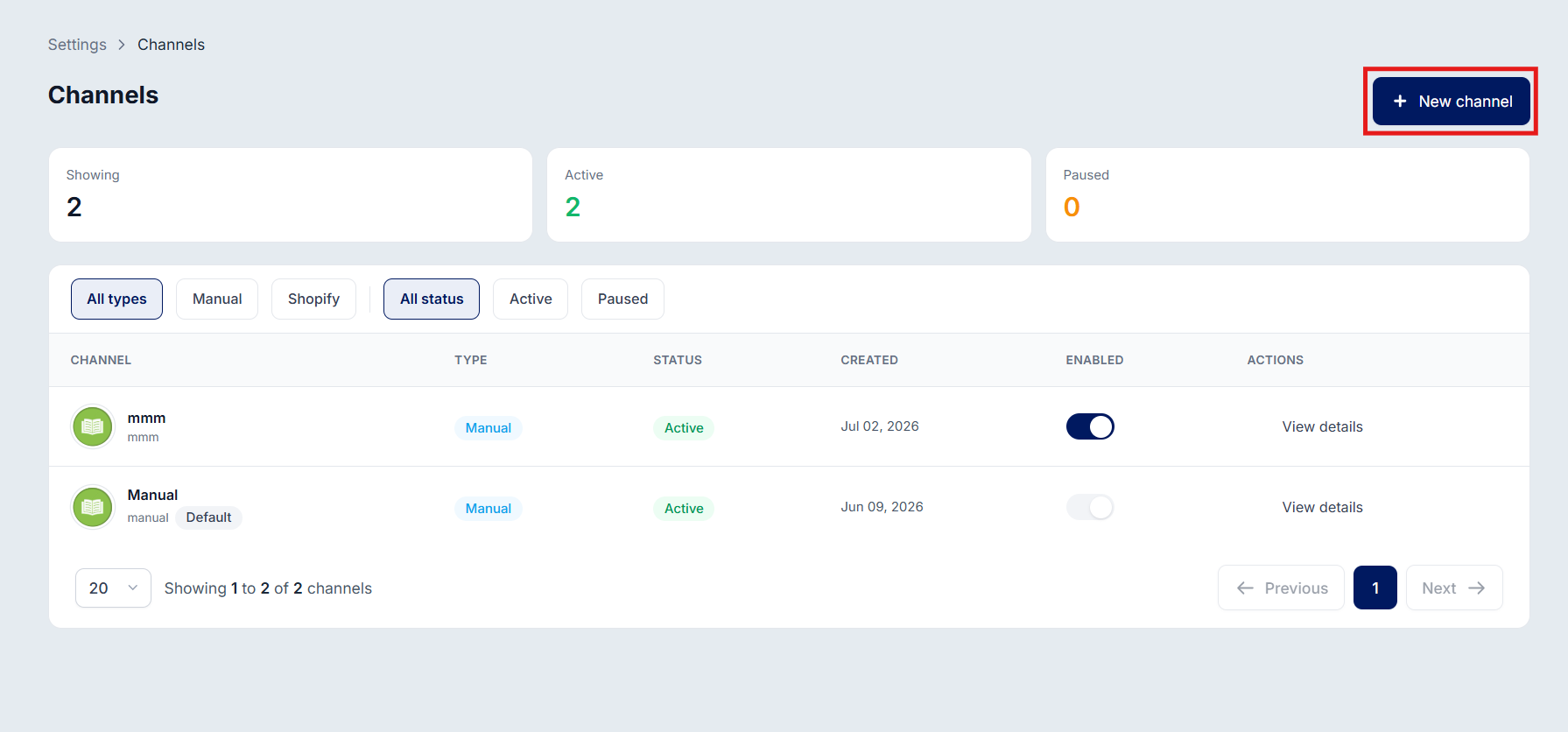
Go to Settings > Channel Connections and click + New Channel.
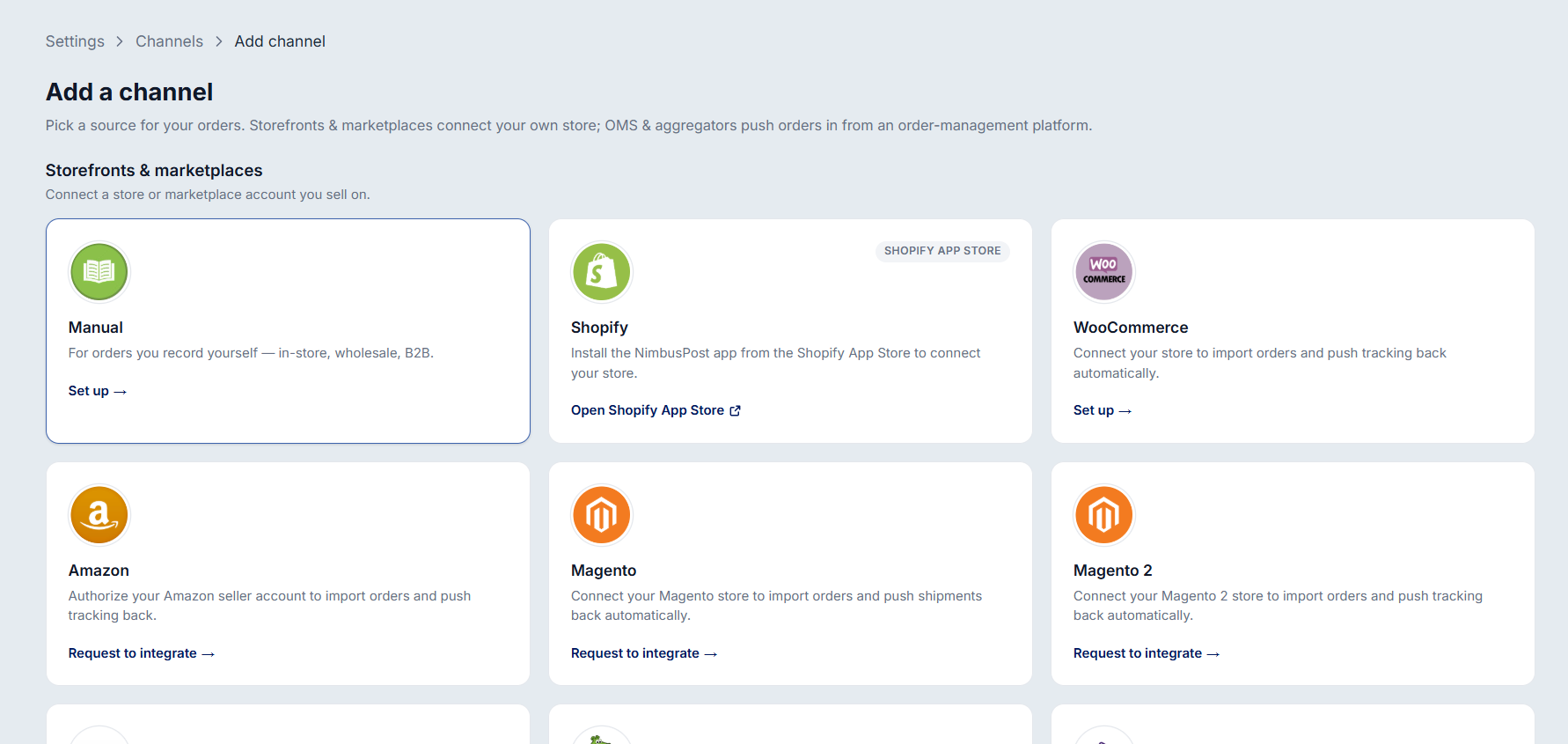
Under Storefronts & Marketplaces, select Manual and click Set up.
Enter a Channel Name in the pop-up window.
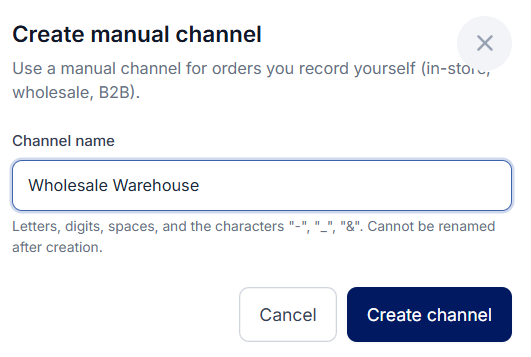
Click Create Channel to add the manual channel and start using the new warehouse.
Note: Manual orders can be created directly in NimbusPost without connecting a sales channel, making them ideal for offline, WhatsApp, or custom order sources.
Was this article helpful?
That’s Great!
Thank you for your feedback
Sorry! We couldn't be helpful
Thank you for your feedback
Feedback sent
We appreciate your effort and will try to fix the article