What are sales channels and how do I integrate them?
Sales channels are the platforms where you receive customer orders, such as Shopify and WooCommerce. More sales channels, including popular marketplaces, will be added soon. Connecting your sales channels to NimbusPost enables automatic order syncing, centralized order management, and faster shipping operations.
To integrate a sales channel
Go to Settings → Channel Connections.
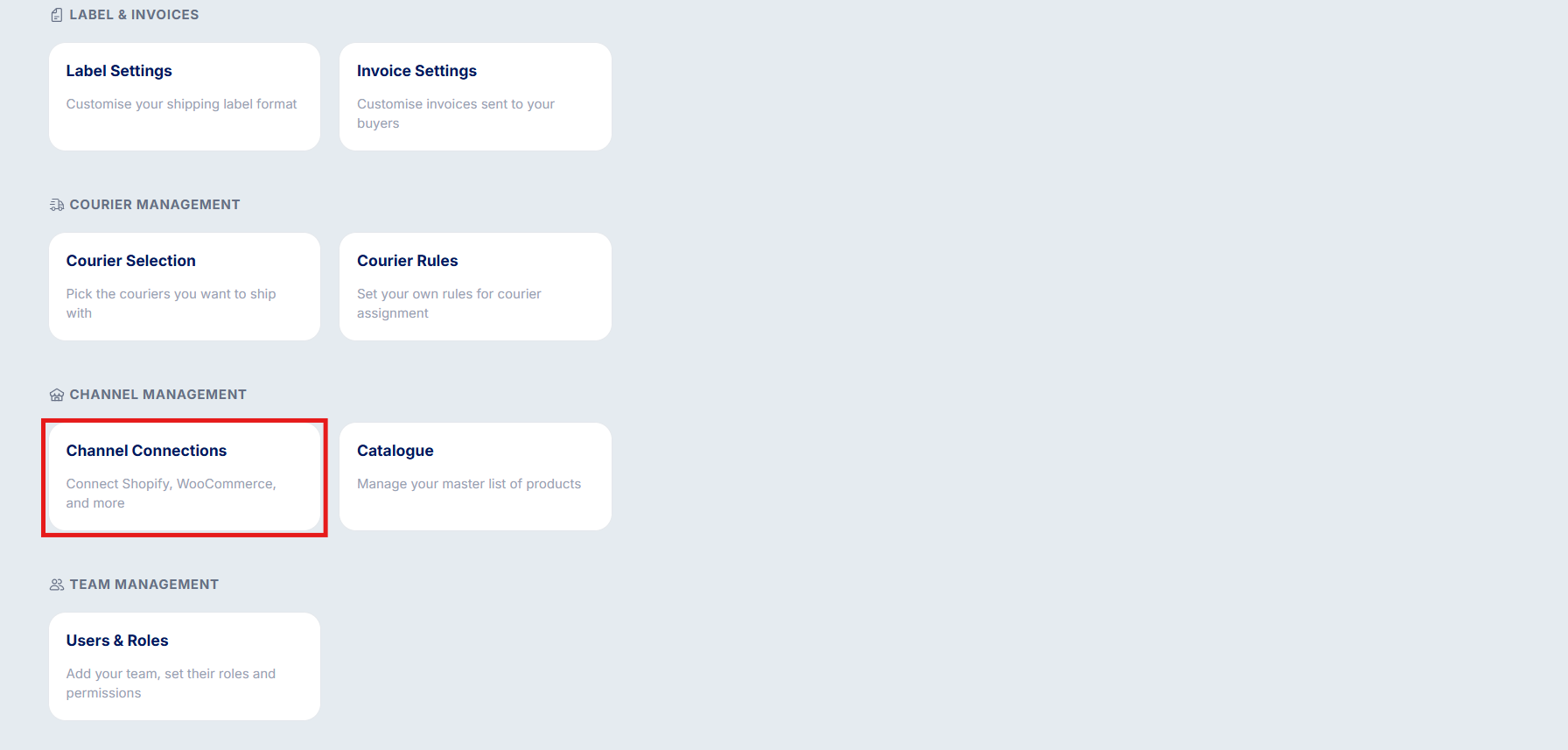
Select the platform you want to connect to. Click on your preferred channel and you will be redirected to the respective integration screen.
Complete the authentication process and the channel will be added to your account and you can start syncing your orders.
You can add multiple channels to your NimbusPost account.
You can disable or pause a connected channel at any time from the Channel Connections section.
No sales channel yet? You can still create and ship orders through Manual Order Creation — ideal for offline, WhatsApp, social media, or other non-integrated sources.
Was this article helpful?
That’s Great!
Thank you for your feedback
Sorry! We couldn't be helpful
Thank you for your feedback
Feedback sent
We appreciate your effort and will try to fix the article