How to add bulk order?
Go to Orders → Bulk Order Upload.
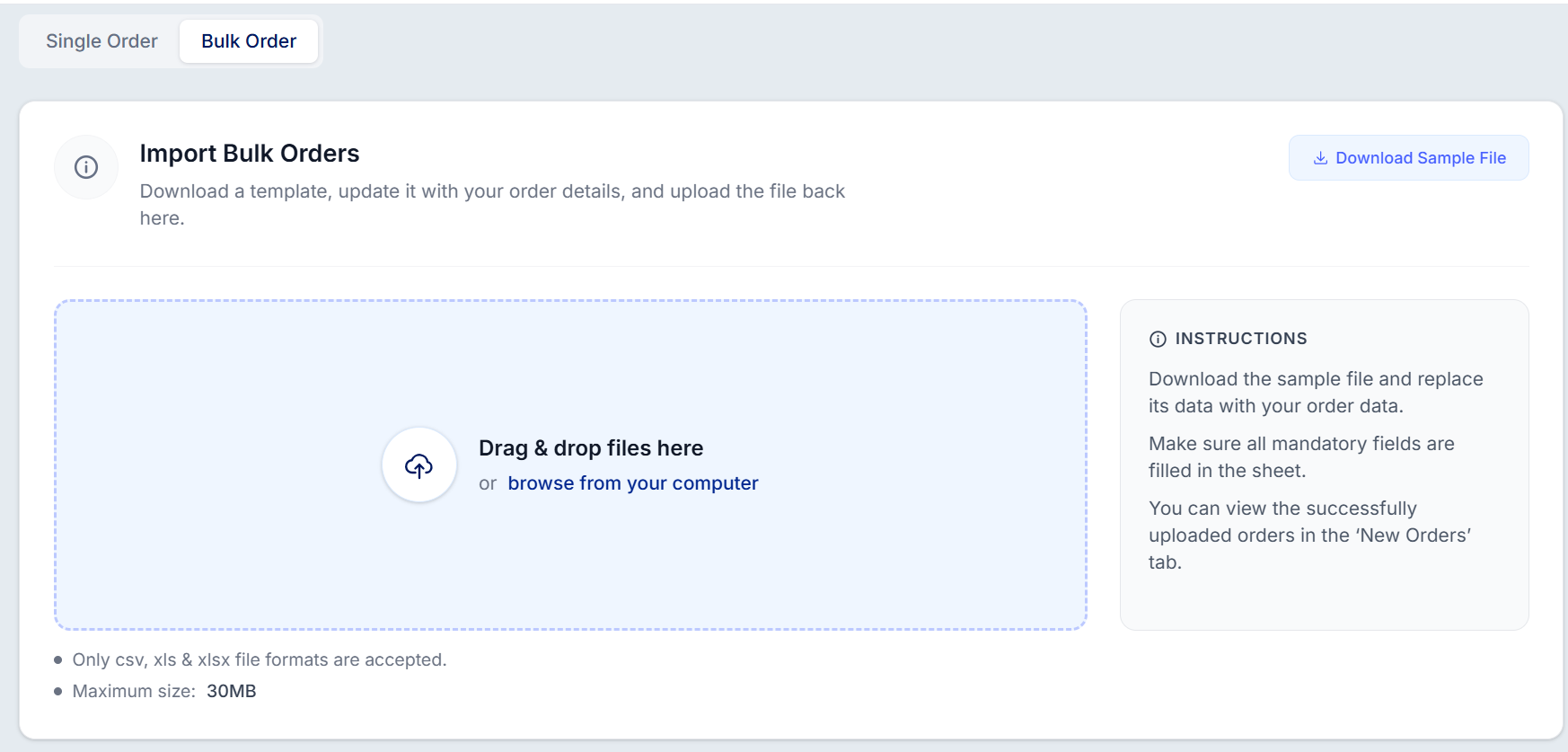
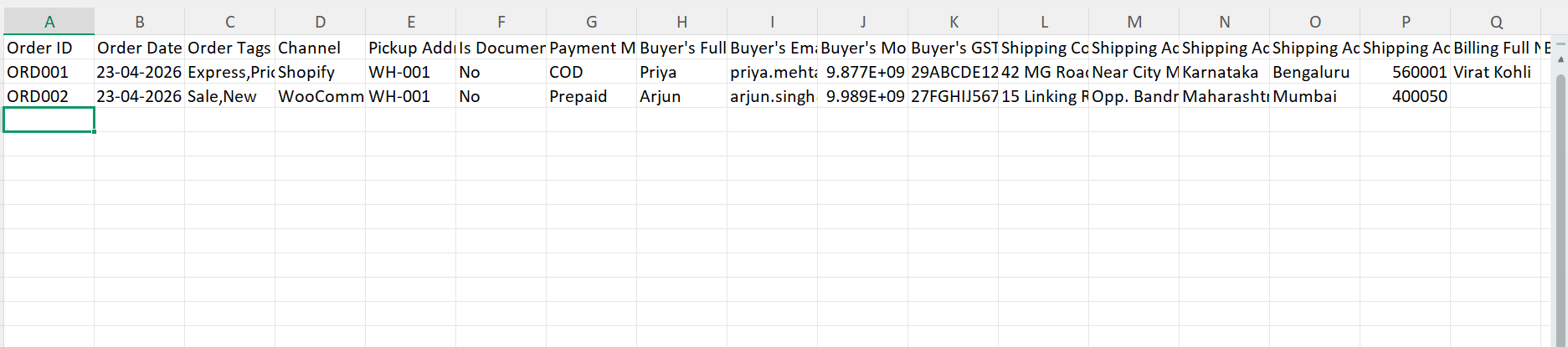
Download the sample template and fill in your order details.
Upload the completed file (CSV, XLS, or XLSX format).
Ensure the file size is within the 30 MB limit.
Note: Both Prepaid and COD orders can be uploaded in the same file. Fields marked with an asterisk (*) are mandatory.
Once uploaded, you can check the upload details in the activity logs and the new orders will appear in the new orders tab. It is mandatory to fill the fields marked with an asterisk (*).
Was this article helpful?
That’s Great!
Thank you for your feedback
Sorry! We couldn't be helpful
Thank you for your feedback
Feedback sent
We appreciate your effort and will try to fix the article