Can I add multiple products to a single order?
Yes, you can add multiple products to a single order while creating or editing an order in NimbusPost.
Go to Orders → Add Order.
Enter the shipment details.
In the Product Details section, click Add Product to include additional items.
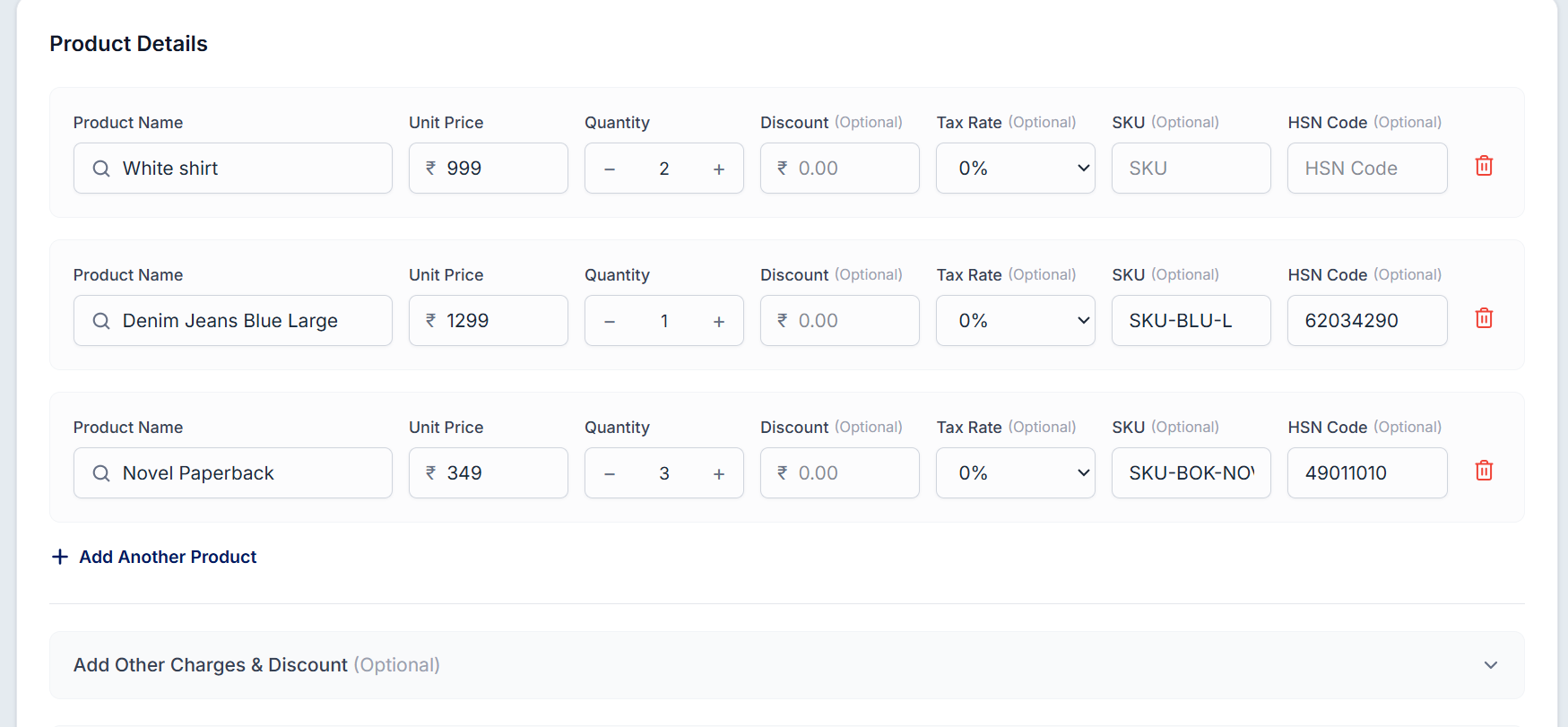
Enter the details for each product, such as product name, quantity, SKU, and price.
Review the order and save it.
Was this article helpful?
That’s Great!
Thank you for your feedback
Sorry! We couldn't be helpful
Thank you for your feedback
Feedback sent
We appreciate your effort and will try to fix the article