How to create an order?
Log in to your NimbusPost account.
Navigate to the Orders section and click Add Order.
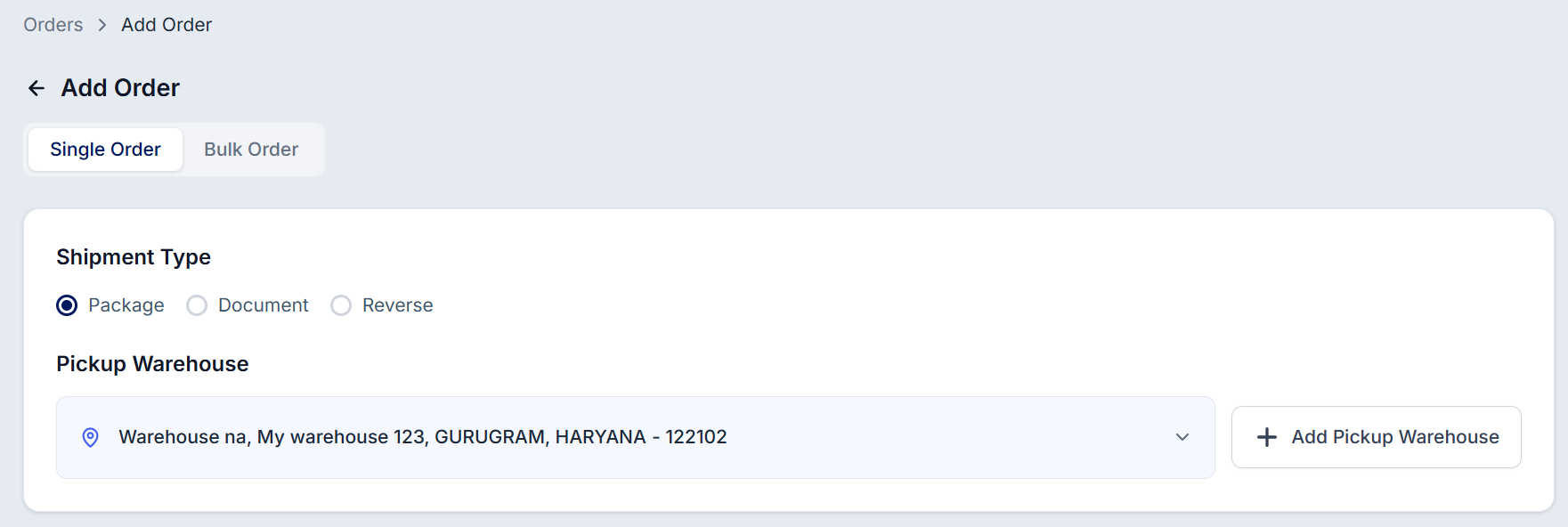
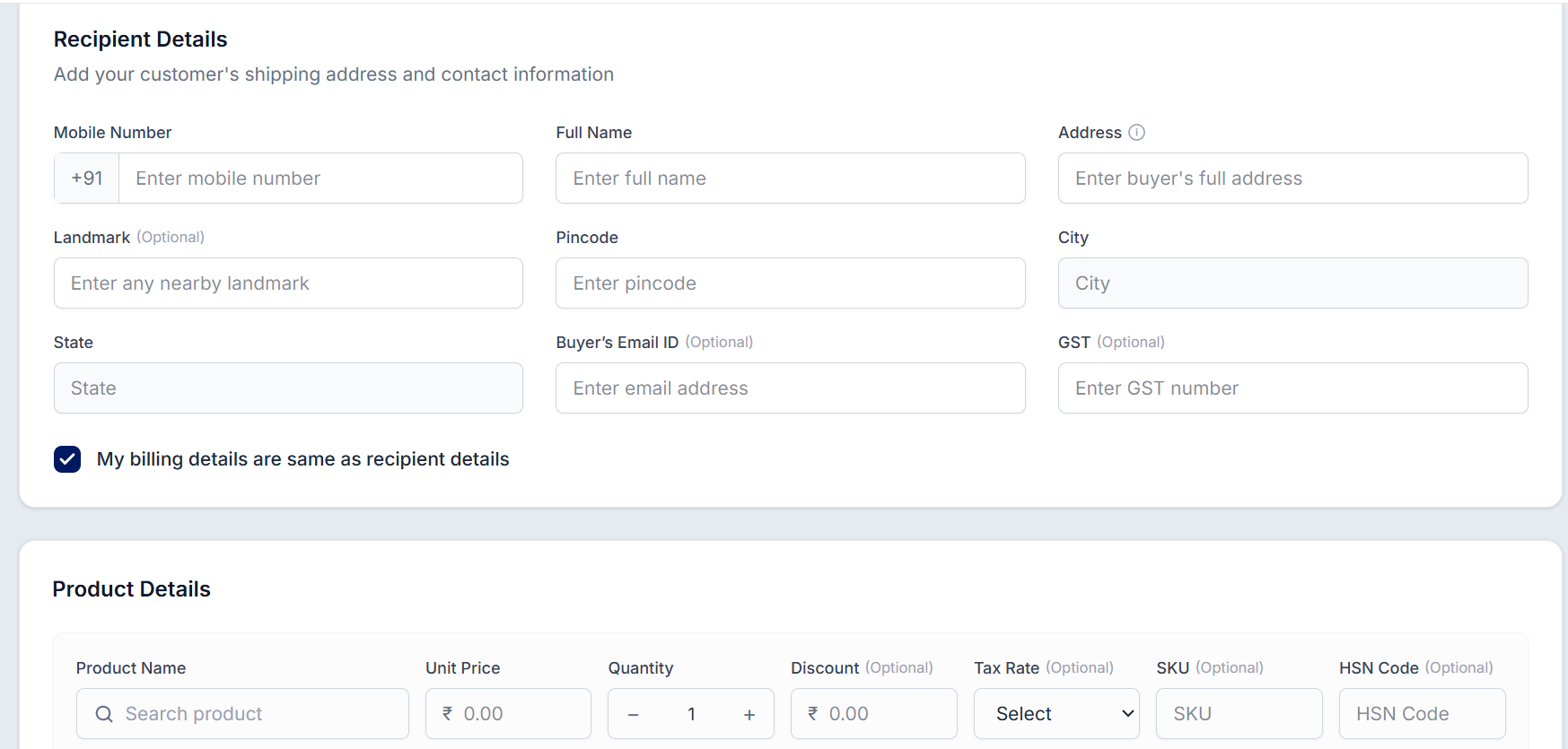
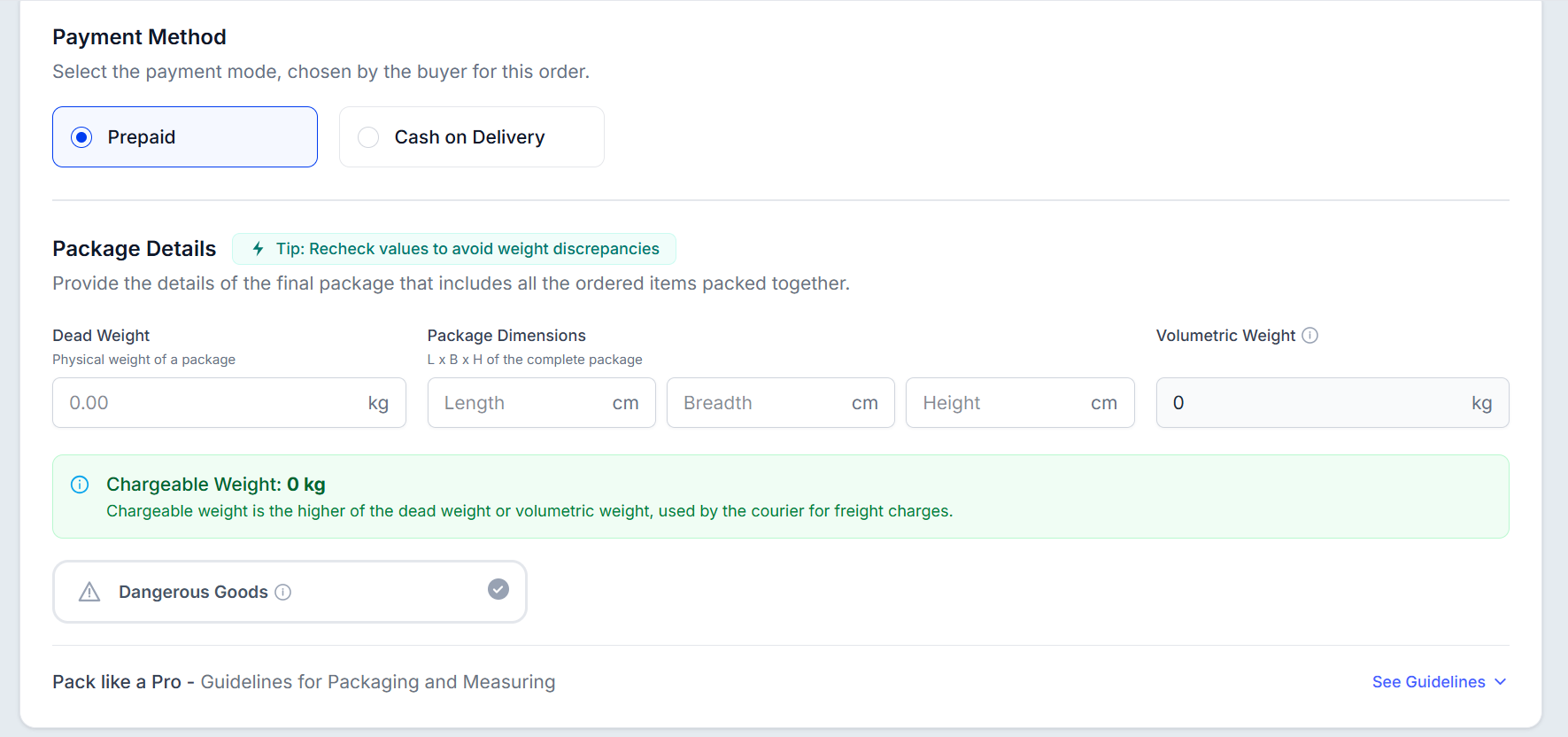
Enter the required shipment details — pickup address, receiver's information, product details, payment mode (Prepaid/COD), warehouse selection, package dimensions, and order value.
Save the order once all details are added and verified.
Ship your order with your preferred courier partner.
The order will then move through the shipping process and can be tracked directly from your dashboard.
Was this article helpful?
That’s Great!
Thank you for your feedback
Sorry! We couldn't be helpful
Thank you for your feedback
Feedback sent
We appreciate your effort and will try to fix the article