How can I change or reset my password?
To change your password
Go to Settings → Password.
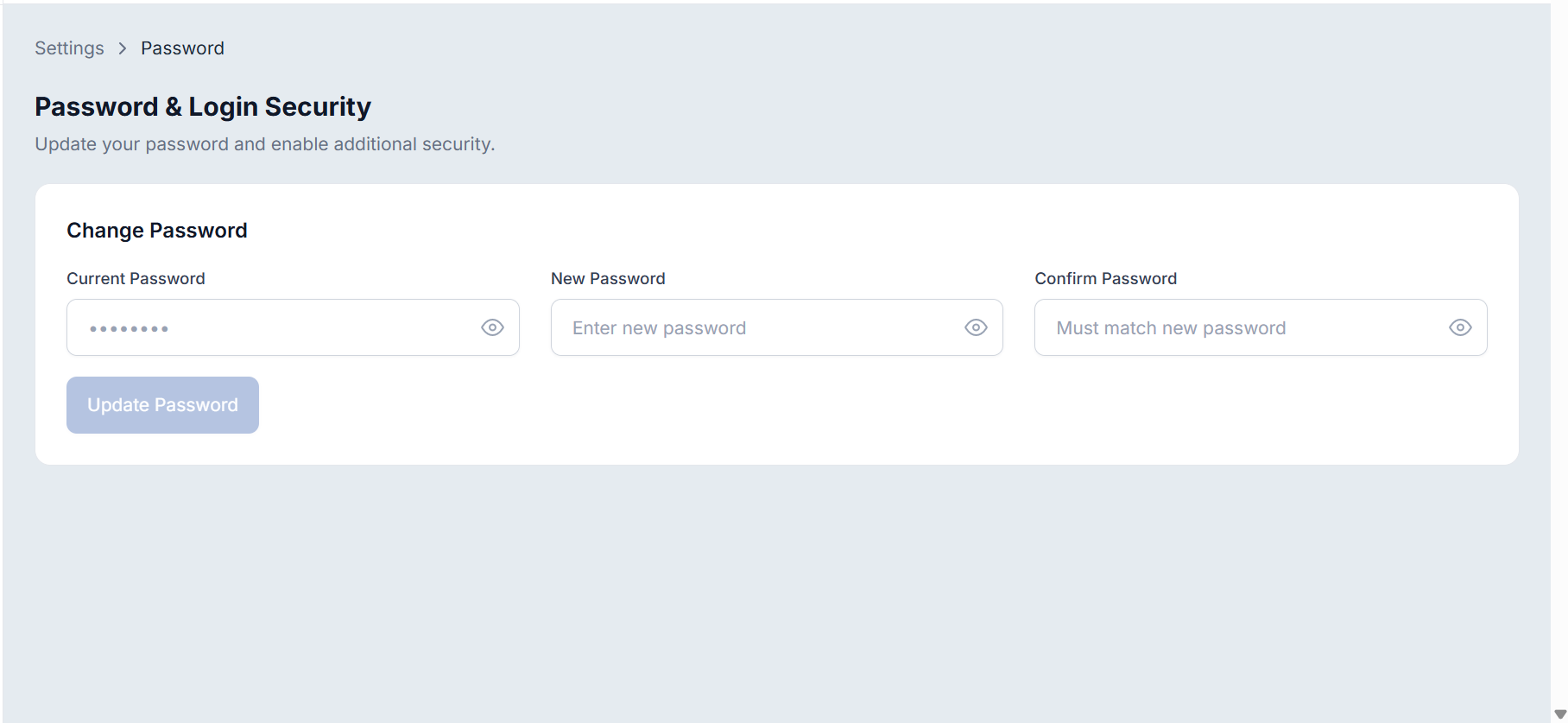
Enter your current password.
Create a new password and confirm it.
Click Update Password.
To reset a forgotten password
Enter your registered email and click Forgot Password on the login page.
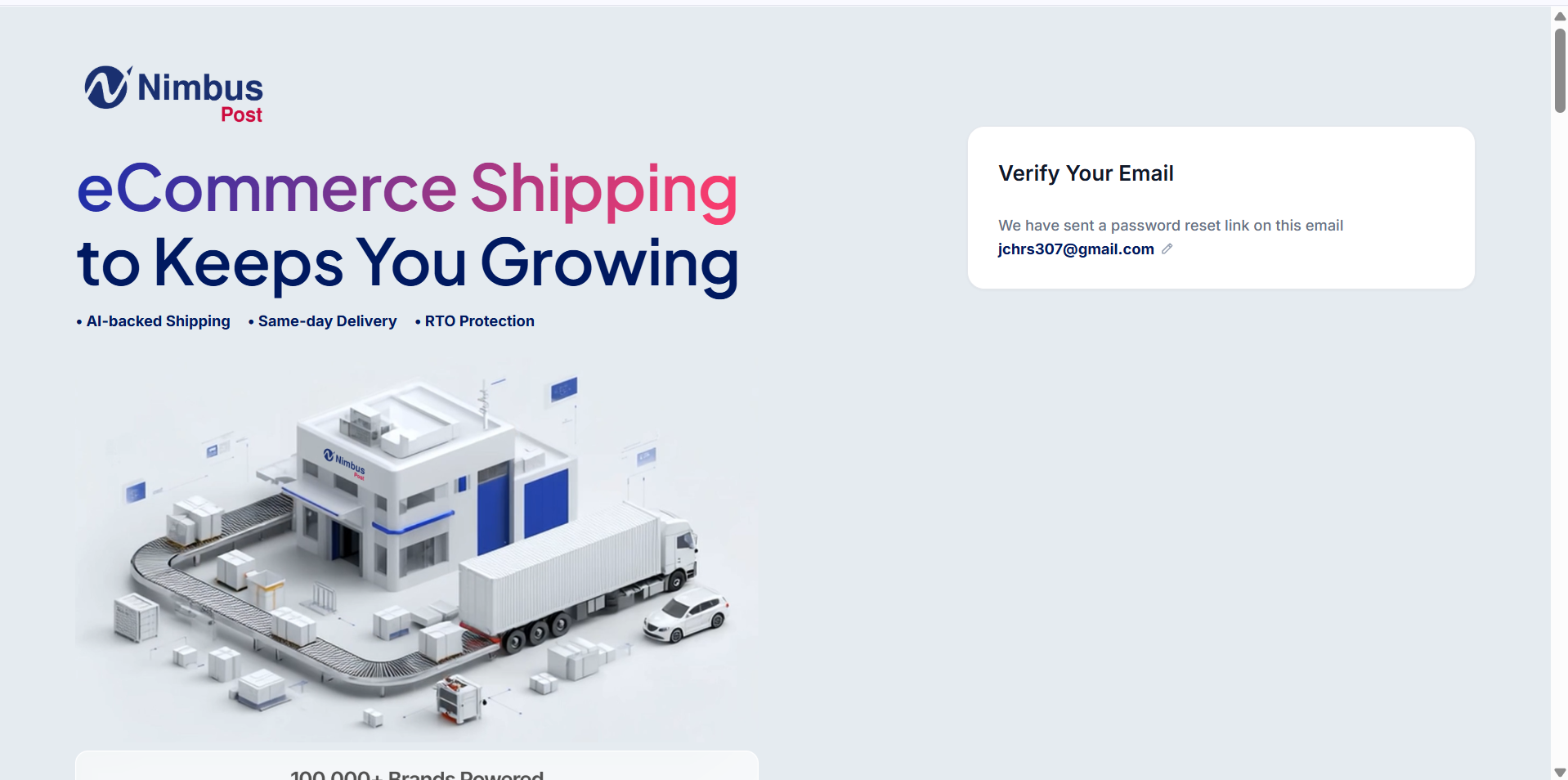
Reset it through the link sent to your registered email.
Was this article helpful?
That’s Great!
Thank you for your feedback
Sorry! We couldn't be helpful
Thank you for your feedback
Feedback sent
We appreciate your effort and will try to fix the article