What are webhooks and why should I use them?
Webhooks send real-time updates from NimbusPost to your system whenever selected events occur, helping you automate order and shipment tracking without repeatedly calling APIs.
To create a Webhook
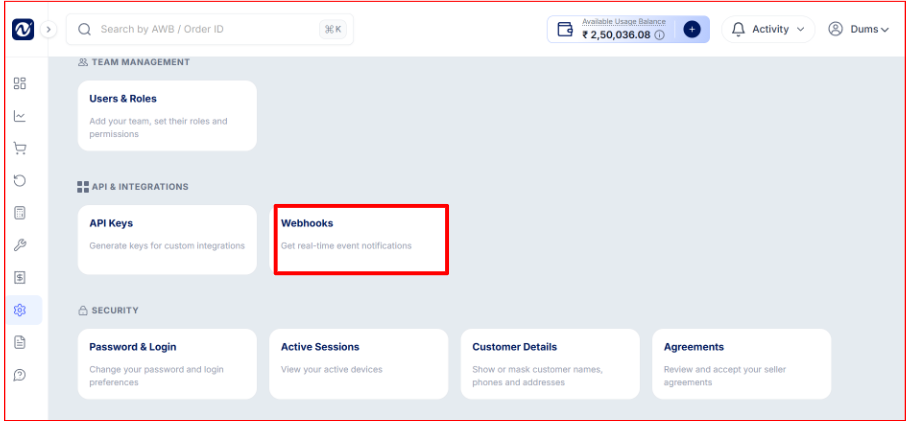
Go to Settings → Webhooks → Create New Webhook.
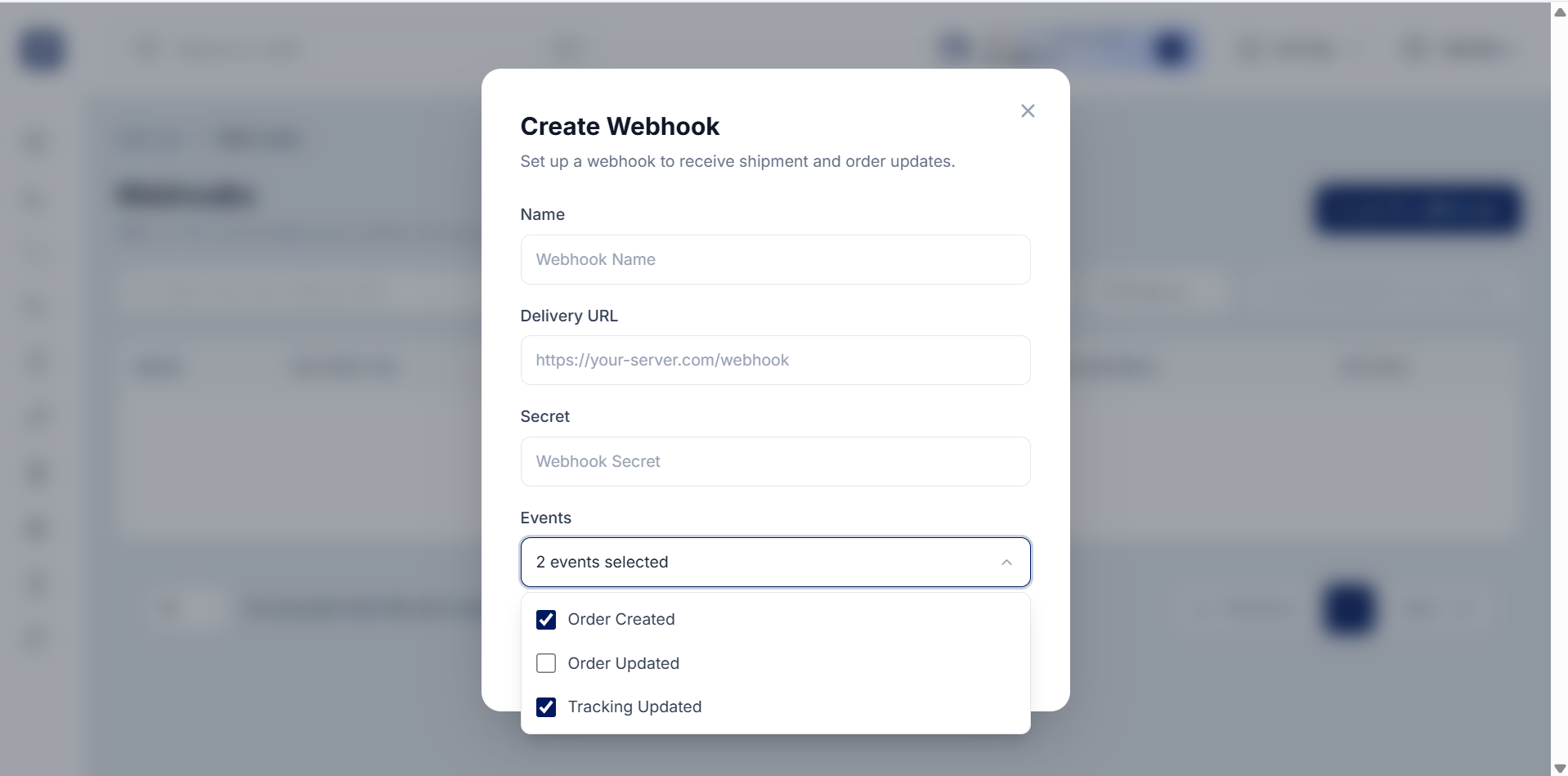
Enter a name.
Add your Delivery URL.
Set an optional Webhook Secret.
Select the events you want to receive.
Save it.
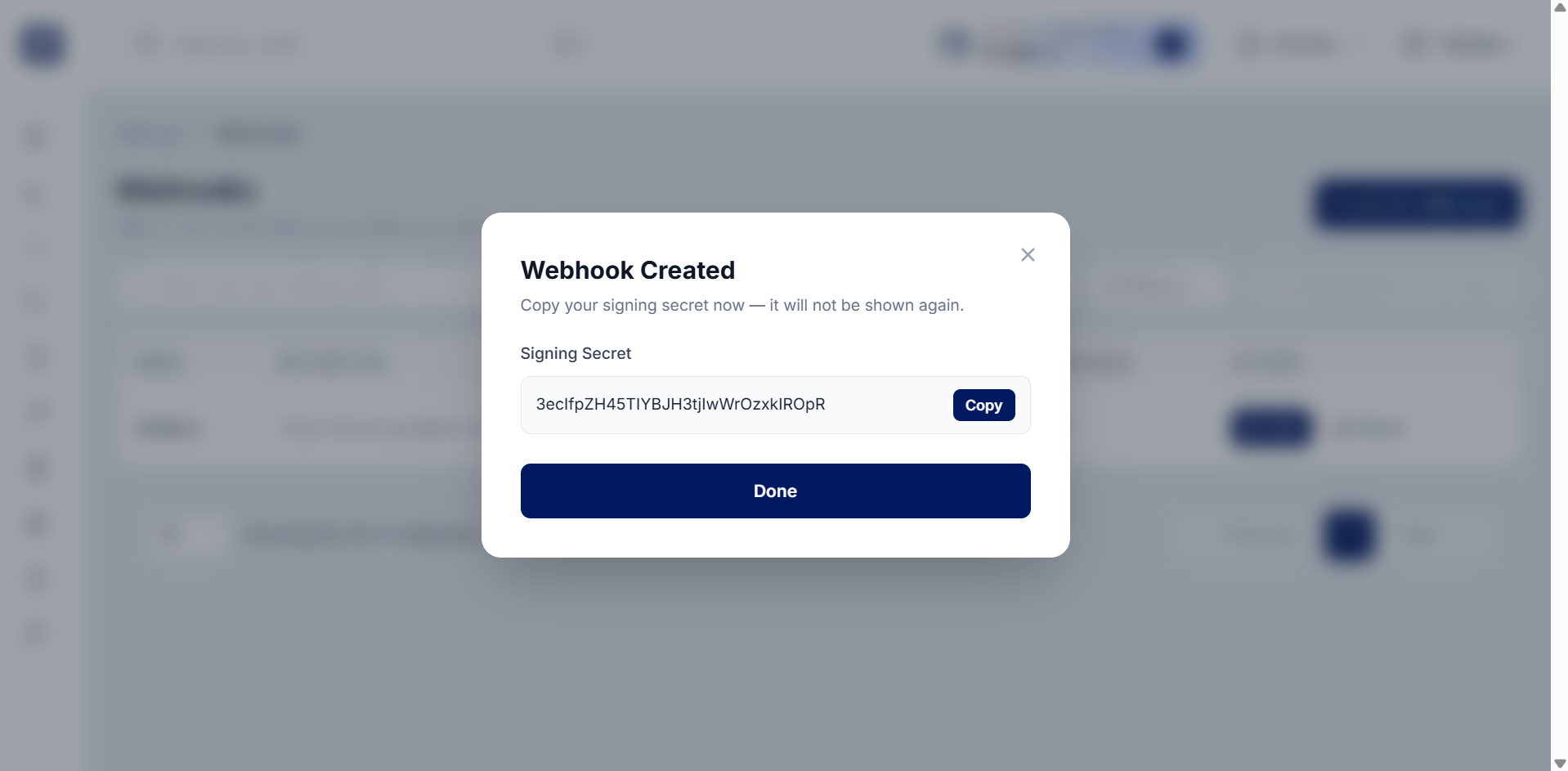
The Delivery URL is the endpoint on your server where NimbusPost sends event notifications. The Webhook Secret helps verify that incoming webhook requests are genuinely from NimbusPost and improves security.
Was this article helpful?
That’s Great!
Thank you for your feedback
Sorry! We couldn't be helpful
Thank you for your feedback
Feedback sent
We appreciate your effort and will try to fix the article